Start with a coaching question, not a dashboard
Data becomes useful when it answers a specific coaching question. Before a round, decide whether you want to test one punch, the transition between two punches, response to a cue or consistency under fatigue. If the question is vague, a long report may add numbers without making the next coaching decision clearer.
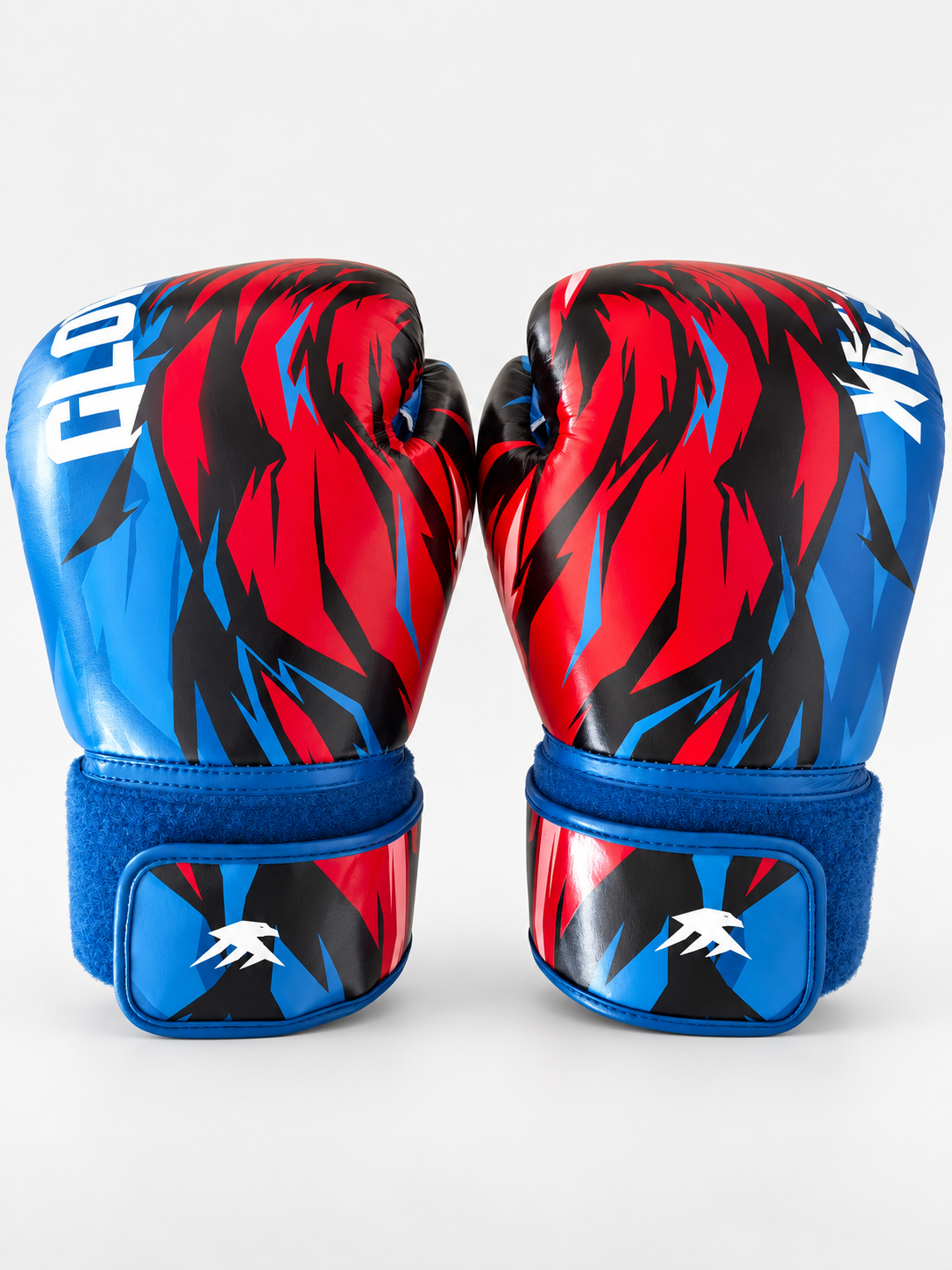
WM-BF Smart Boxing Gloves and the BoxingFitness App can record the hand, recognized punch type, target matching, combinations, reaction and force feedback. The coach still interprets those records alongside live movement, the lesson objective and the student's training history. This creates a repeatable assessment process without transferring technical judgement to the software.
Separate what the system records from what the coach judges
The confirmed system functions and the coach's professional observations should not be described as the same thing. Recognition data can tell a coach what the model classified; it does not independently prove why a movement succeeded or failed.
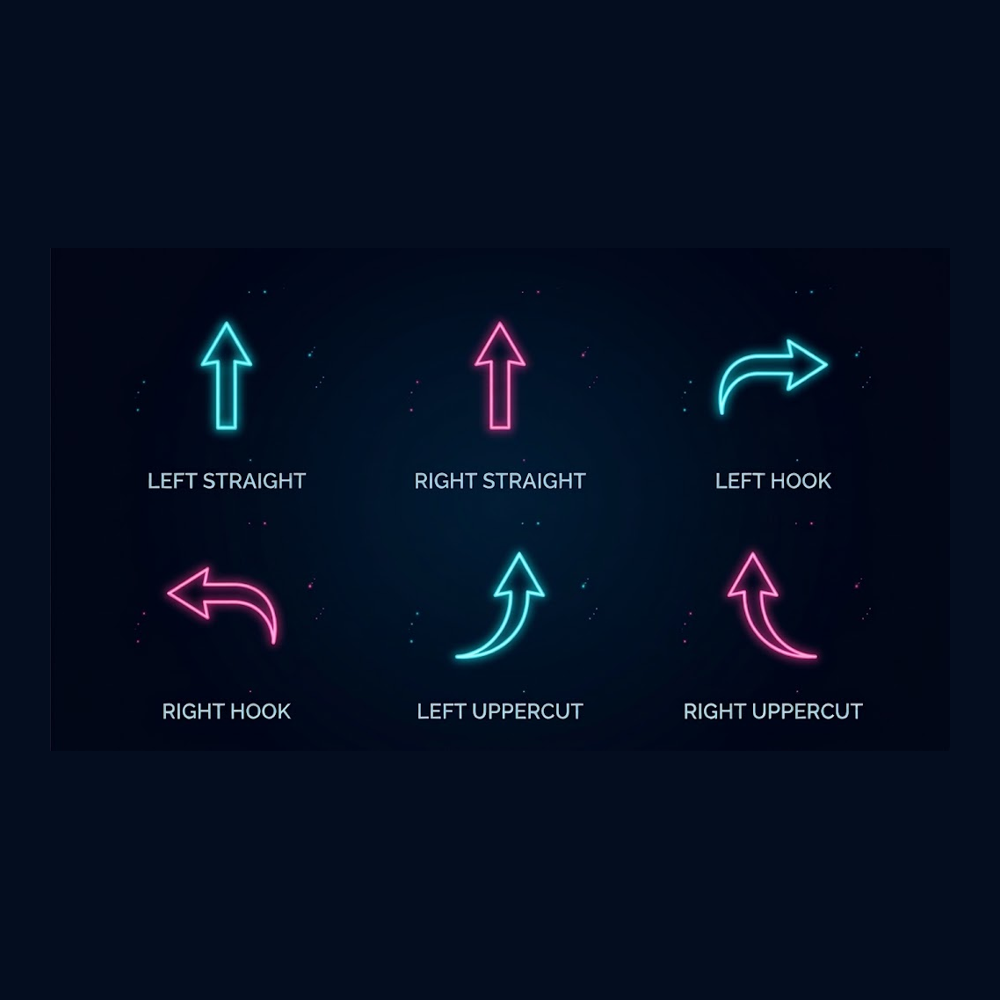
- The system records the left or right glove and recognizes the confirmed punch types Straight, Uppercut and Hook.
- The system can present punch events, target matches, complete combinations, first-punch reaction time and supported force feedback, depending on the delivered version and mode.
- The coach judges stance, guard, footwork, balance, distance, movement quality, recovery and injury risk.
- An uncertain or mismatched classification is a reason to observe and retest, not automatic proof of incorrect technique.
Protocol one: test single-punch consistency
Choose one hand and one punch type, then use a short round with settings that can be repeated. For example, select the left hand and Hook. Ask the student to strike the bag only when the target appears. The coach observes the path, balance and recovery while BoxingFitness records the recognized hand and punch type.
After the first round, make one clear technical adjustment rather than changing several variables at once. Repeat the same settings and compare target matching and consecutive correct results. The comparison does not replace video or live observation, but it helps the coach test whether the adjustment produced a more consistent response.
Protocol two: use a consistent one-to-six cue convention
A gym may define a one-to-six cue convention for class use, but the numbering should be explained rather than presented as a universal global standard. One example is 1 left Straight, 2 right Straight, 3 left Hook, 4 right Hook, 5 left Uppercut and 6 right Uppercut. Use the same mapping across coaches, screens and member instructions.
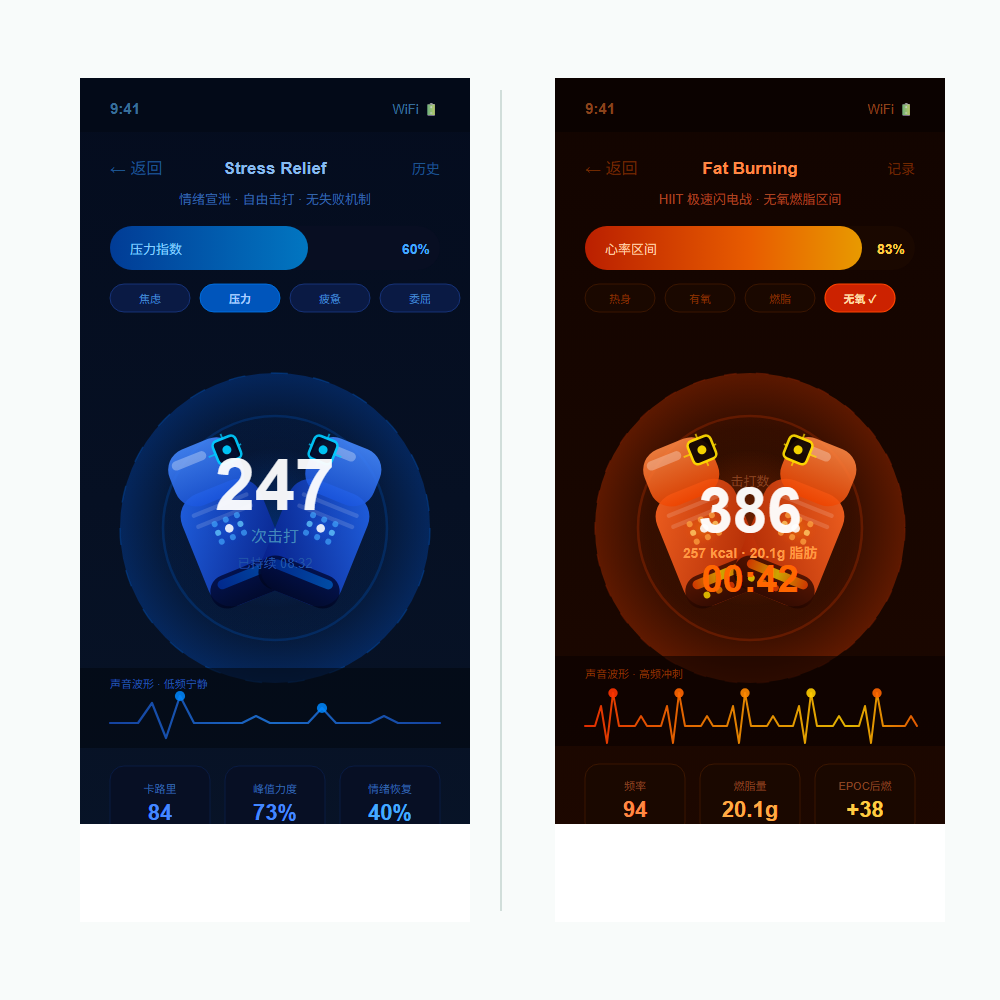
Start with a fixed two- or three-punch sequence, then increase complexity only after the student can follow the order. BoxingFitness can support custom two-to-six-punch combinations, round duration, rest and cues in the confirmed project configuration. Review complete combinations and first-punch reaction time to locate where the sequence loses continuity, then observe that transition directly.
Protocol three: review free-technique choices
Free Technique removes the target sequence and lets the student choose punches during a timed round. Before opening the result, ask which punch the student believes they used most and where the round became difficult. Compare that answer with the recognized punch distribution, left-right use, punches per minute and uncertain classifications available in the delivered version.
The purpose is not to reward the largest number. A coach can use the difference between intention and recorded distribution to set the next round's objective. If a student intended to practise Hooks but the system recognized mostly Straights, observe the movement and sensor conditions, provide one adjustment and repeat the round.
Interpret Punch Force and Relative Force separately
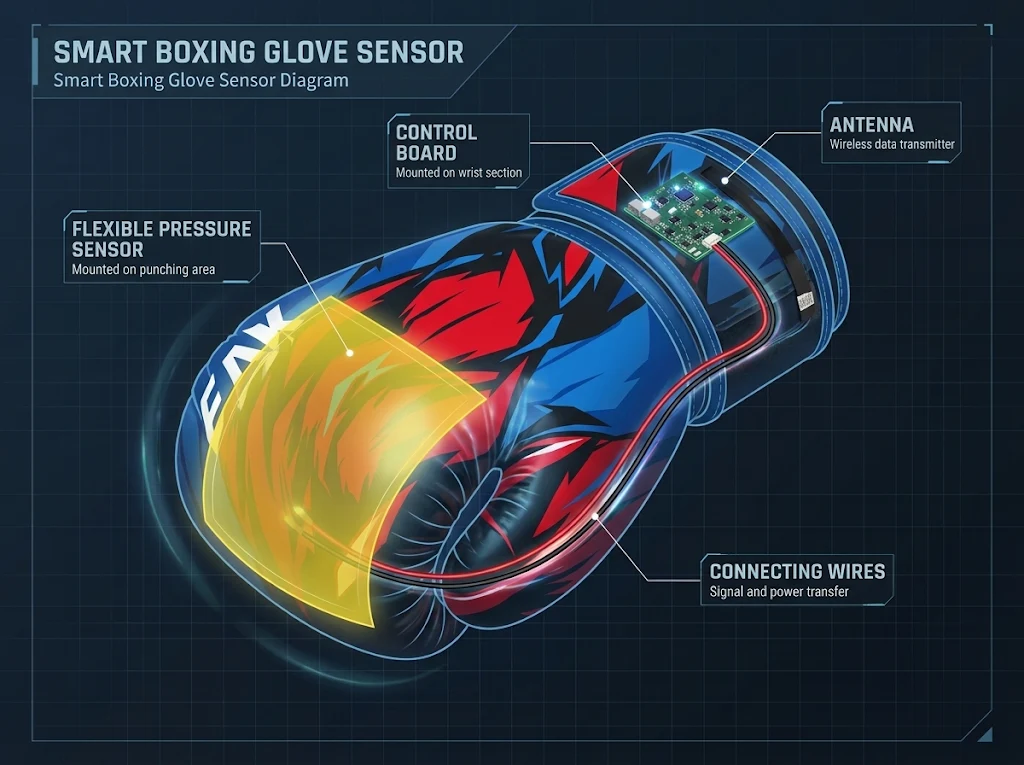
WM-BF combines a flexible pressure sensor at the striking surface with an inertial measurement unit. These produce two different types of feedback. They should be reviewed separately and under consistent equipment, fit, sensitivity and drill settings.
- Punch Force is the calibrated maximum from the flexible Pressure Point 1 sensor within the punch time window and is displayed in kilograms for training feedback.
- Relative Force is a separate relative score derived from IMU motion data. It is not an absolute physical-force value and cannot be converted directly into Punch Force.
- Neither value should be used as certified professional-competition measurement, medical assessment or an automatic judgement of technical quality.
Use a six-step lesson workflow
A consistent lesson workflow makes the data easier to explain and reduces the temptation to react to a single unusual result. The exact duration and drill should follow the student's level, physical condition and the coach's safety judgement.
- Define one question: decide what the round is intended to test.
- Set the conditions: confirm gloves, fit, phone, sensitivity, punch or combination, round and rest.
- Record a baseline: complete one round before the technical adjustment.
- Coach one change: demonstrate or cue one priority rather than several at once.
- Repeat the same test: keep the main settings unchanged for comparison.
- Select the next objective: use live observation and the report to plan the next drill.
Record the conditions behind every comparison
A number without its training context is easy to misread. Coaches should keep a short record whenever results will be compared across sessions. This is especially important when several coaches share devices or when the gym updates the app, firmware or lesson settings.
- Matched glove identifiers, glove size, fit and sensor condition.
- Phone model, BoxingFitness version, firmware, permissions and connection condition.
- Sensitivity, selected punch or combination, round duration, rest and cue method.
- Bag type, training position, member condition and the specific coaching adjustment.
Respect the limits of sensor-assisted coaching
Smart-glove data can support repeatable coaching conversations, but it does not replace direct observation, pad work, video review or professional safety decisions. Do not diagnose injury from an app result, use a single round to label an athlete's ability or compare values collected from different hardware and conditions as though they were equivalent.
Training records may contain names, rankings and performance history. Gyms and coaches should define who can view, export or share those records and obtain permission before publishing member data or images. Competition, medical and high-stakes selection decisions require separate validated methods.
Bring one real drill to a product demonstration
The best evaluation starts with a drill the coach already teaches. Bring one single-punch test, one two-to-six-punch combination and the usual round settings. Run a baseline, make one coaching adjustment and repeat the test. Then review recognition, reports, device handling and whether the workflow fits private lessons or group classes before considering a larger deployment.
Evaluate WM-BF in a real coaching workflow
Bring a punch or combination you regularly teach and review recognition, reports and course fit in one demonstration.
Request a demonstration