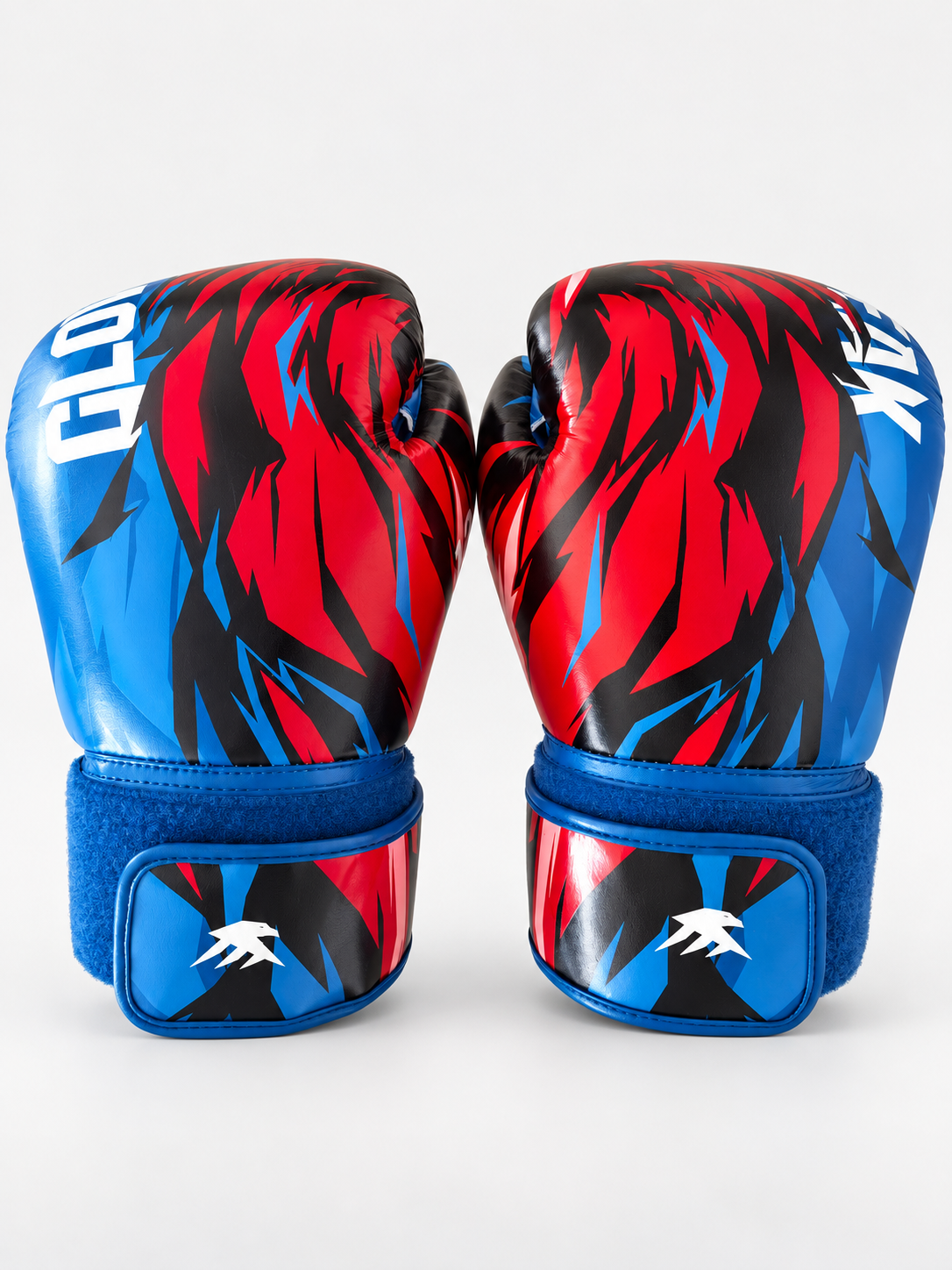
Select one glove and connect the pair
In the BoxingFitness Bluetooth screen, select either detected WM-BF glove. The app reads the six-character pair code, finds the opposite-hand glove with the same code and establishes two connections. Confirm that one device is marked L and the other R before training.
Make one clear left tap and one clear right tap. Verify that the displayed hand and count change on the expected side before starting a combination session.
Read pressure-based and motion-based values separately
Punch Force is the calibrated peak from the flexible sensor in the striking surface. When displayed in kilograms, interpret it as an equivalent load in kgf under the defined glove and calibration condition. Relative Force is a separate unitless score calculated from IMU motion.
Do not compare the two numbers as though they were the same physical quantity. For left-right comparison, keep the boxer, bag, target area, rhythm and sensitivity settings as consistent as possible.
Check data quality before interpreting a session
If one hand stops updating, confirm the connection state and fresh data flow before interpreting asymmetry. A lower count caused by a disconnection is not evidence of a weaker or less active hand.
Use the same app version and calibration state for before-and-after comparisons. Record any glove replacement, firmware change, threshold adjustment or bag change alongside the result.
Need a traceable validation plan for your project?
Tell us the target configuration, firmware and acceptance criteria. We can align test records with your OEM or ODM project.
Discuss a validation project