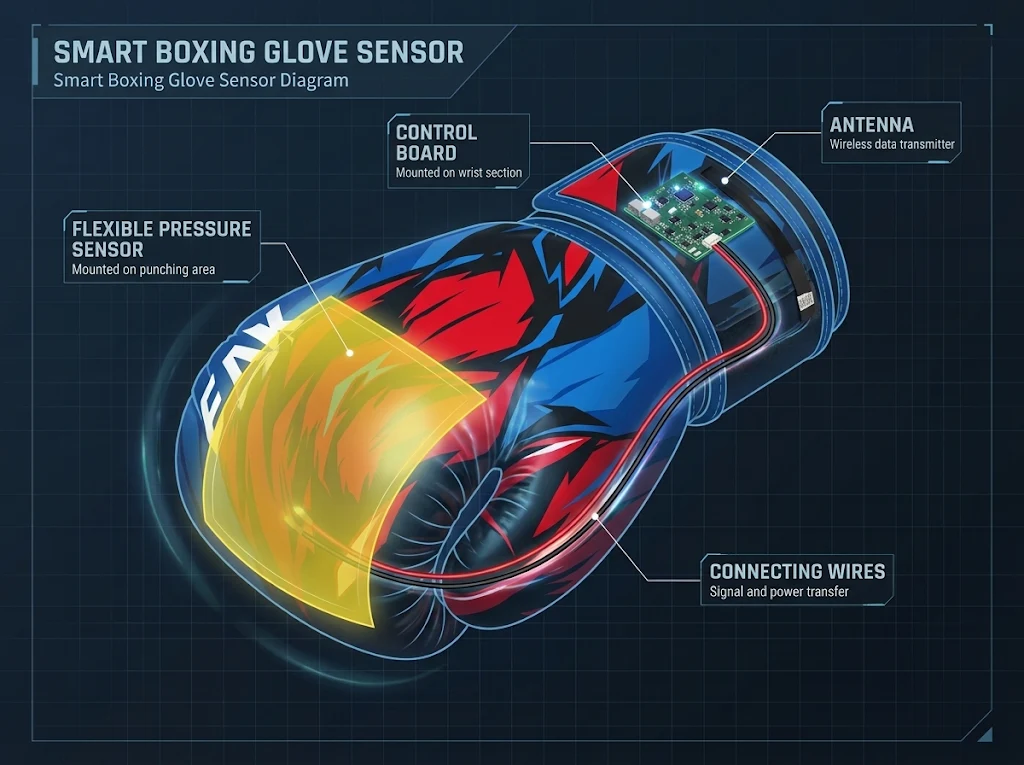
Identify the hand in every data frame
The left device name begins with WM-BF-L and the right begins with WM-BF-R. Both gloves in one pair share the same following six-character code. Selecting either glove lets the app find the opposite-hand glove with the matching code.
During training, device identity travels with the pressure and IMU data. The phone therefore attributes each hit to the correct glove even during rapid alternation and can calculate left-right counts and sequences without combining the streams.
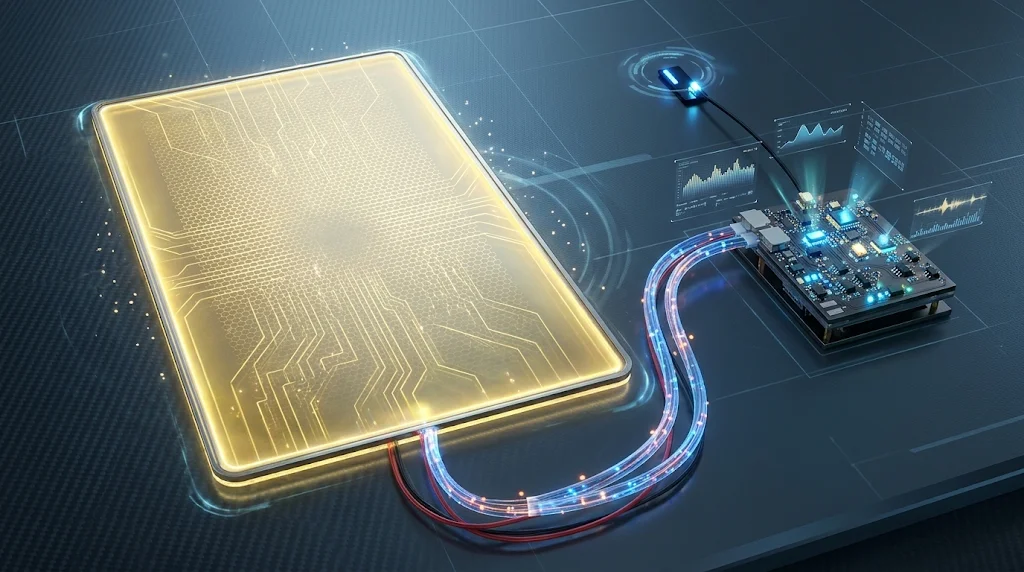
Calibrate each finished glove
Even when the same sensor model is used, stitching, lining compression, sensor placement and fit can change how a load reaches the sensing area. Calibration is therefore performed after the sensor has been installed in the finished glove.
A controlled actuator applies known reference loads to the striking surface. The test system records each reference load with the corresponding raw sensor value, fits a conversion relationship, and stores the parameters in that glove's electronics.
Use the calibrated peak as force feedback
After pressure crosses the valid-hit threshold, the system follows the same contact to its calibrated maximum. The displayed kilogram value represents an equivalent load at the sensing area and is more precisely described as kilogram-force, or kgf. It is not the mass of the punch and is not automatically an absolute dynamic-impact measurement in newtons.
For meaningful comparisons, use the same boxer, glove pair, bag, contact area and settings. A separate Relative Force score derived from IMU motion data must be identified clearly and should not be mixed with the pressure-sensor kgf value.
Need a traceable validation plan for your project?
Tell us the target configuration, firmware and acceptance criteria. We can align test records with your OEM or ODM project.
Discuss a validation project