Arena
Manage positions 1-4, players, match time, live metrics and places.
Synchronized scoring, results and rankings for one to four smart boxing stations.
An Android smart boxing group-training and competition application supplied with compatible WM-BS, WM-BB or WM-DS hardware and the confirmed project configuration, using Bluetooth Low Energy for one-to-four-station connection, synchronized rounds, live metrics, results and local or trusted rankings.
 SUPPLIED WITH CONFIRMED HARDWARE
Source: HitArena user manual and confirmed project information. Functions, compatibility, certification status and cloud services depend on the delivered configuration.
Manage positions 1-4, players, match time, live metrics and places.
Review the rule, places 1-4, valid hits and score details for one match.
Review Combined, Hit Count, Power, Total Points and Trusted rankings.
Configure Bluetooth, language, time, scoring, upload, certification and ranking animation.
Enter player names, verify station status and start together.
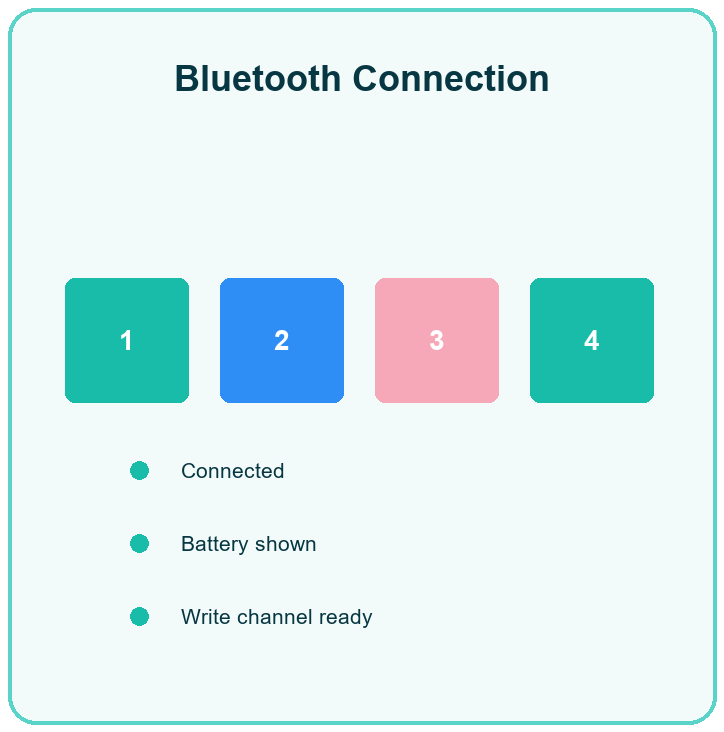
The countdown begins only after all assigned stations are ready.
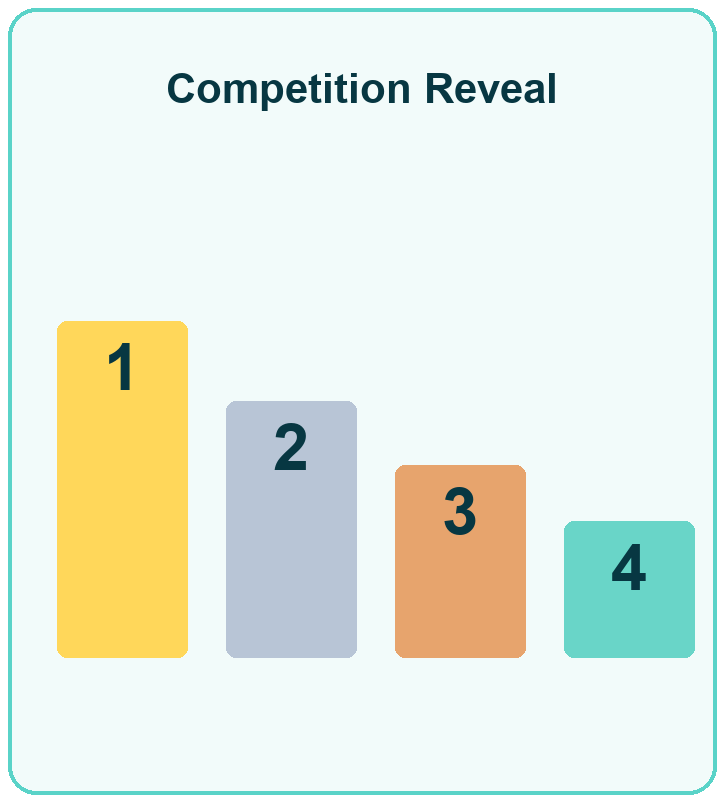
Reveal places 1-4 in sequence after match completion.
See HitArena used in a multiplayer smart boxing competition.
Every video includes a verified English transcript, Chinese translation, time-coded chapters and bilingual WebVTT captions.
An introduction to turning compatible boxing stations into a live multiplayer competition with shared results and rankings.
Chapters, captions & transcript →A four-station timed challenge showing how a short, easy-to-understand competition can engage gym members.
Chapters, captions & transcript →A practical comparison of speed- and power-focused challenges, illustrating why the scoring rule must be announced before a competition.
Chapters, captions & transcript →See four connected stations report competition data to one tablet for live monitoring and ranking.
Chapters, captions & transcript →A retrofit example showing how a compatible punching bag can be connected for measurable solo training or group competition.
Chapters, captions & transcript →Answers common questions about compatible equipment, sensors, app connections, solo training and multiplayer use.
Chapters, captions & transcript →A speedball and reflex-bag competition example using punch count, relative power and live rankings across multiple stations.
Chapters, captions & transcript →Default short-burst match
Standard single-round match
Sustained endurance match
10-second rest between rounds
Set match time, rest and rounds
Counts only valid hits that meet the active power threshold.
Scores the average of the selected strongest hits after the required count.
Calculates HitArena Score with default weights of 60% speed and 40% power.
Complete-data upload is controlled by the user, and certification status must be confirmed for the delivered batch.
Compatibility depends on the delivered sensor, firmware, HitArena build and Android controller.
The wavemill HitArena App is an Android group-training and group-competition application supplied with a confirmed WM-BS, WM-BB or WM-DS project configuration. It connects one to four smart boxing devices over Bluetooth Low Energy, runs synchronized rounds and records valid hits, Relative Power Score, results and rankings.
HitArena is designed for gym challenges, boxing-club activities, event competitions, entertainment venues and other projects that need synchronized scoring across one to four stations. The venue should provide safe spacing, stable device installation and an Android tablet or phone that has been verified with the delivered configuration.
The confirmed configuration provides target positions 1-4, with one bound smart boxing device per position. A match can therefore use one to four stations. Before Start, every assigned station must be connected and its write channel must be ready.
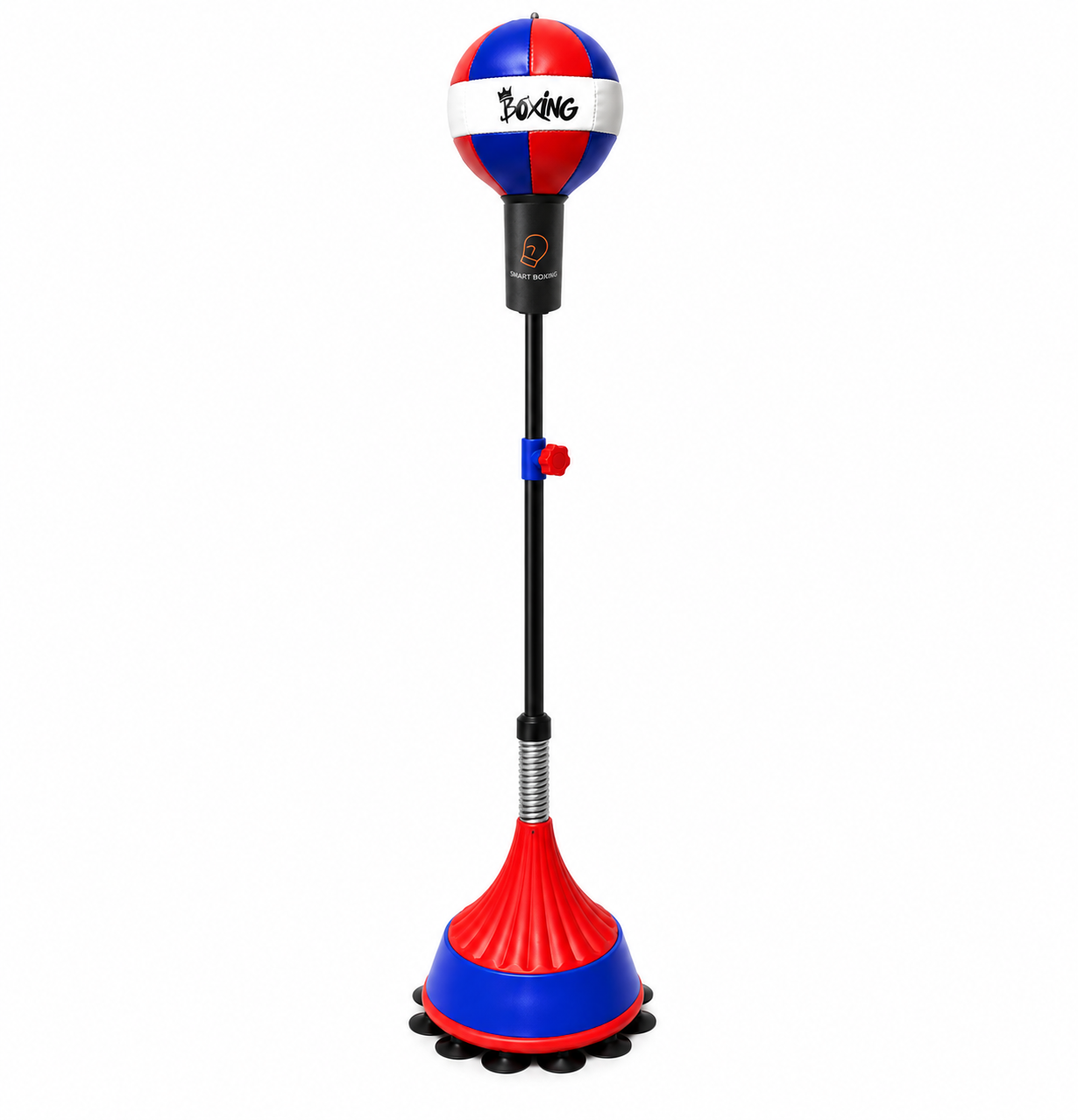
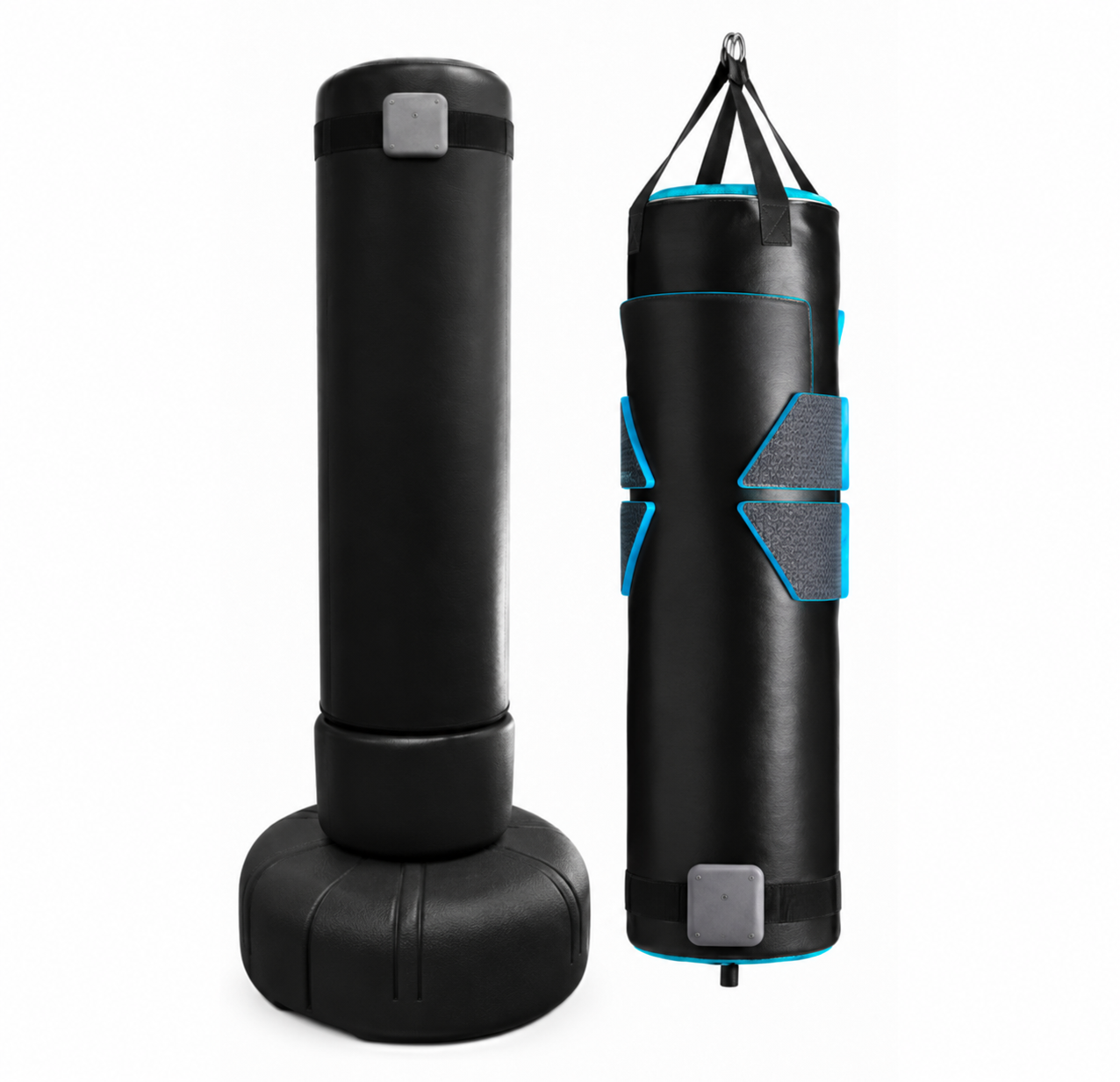
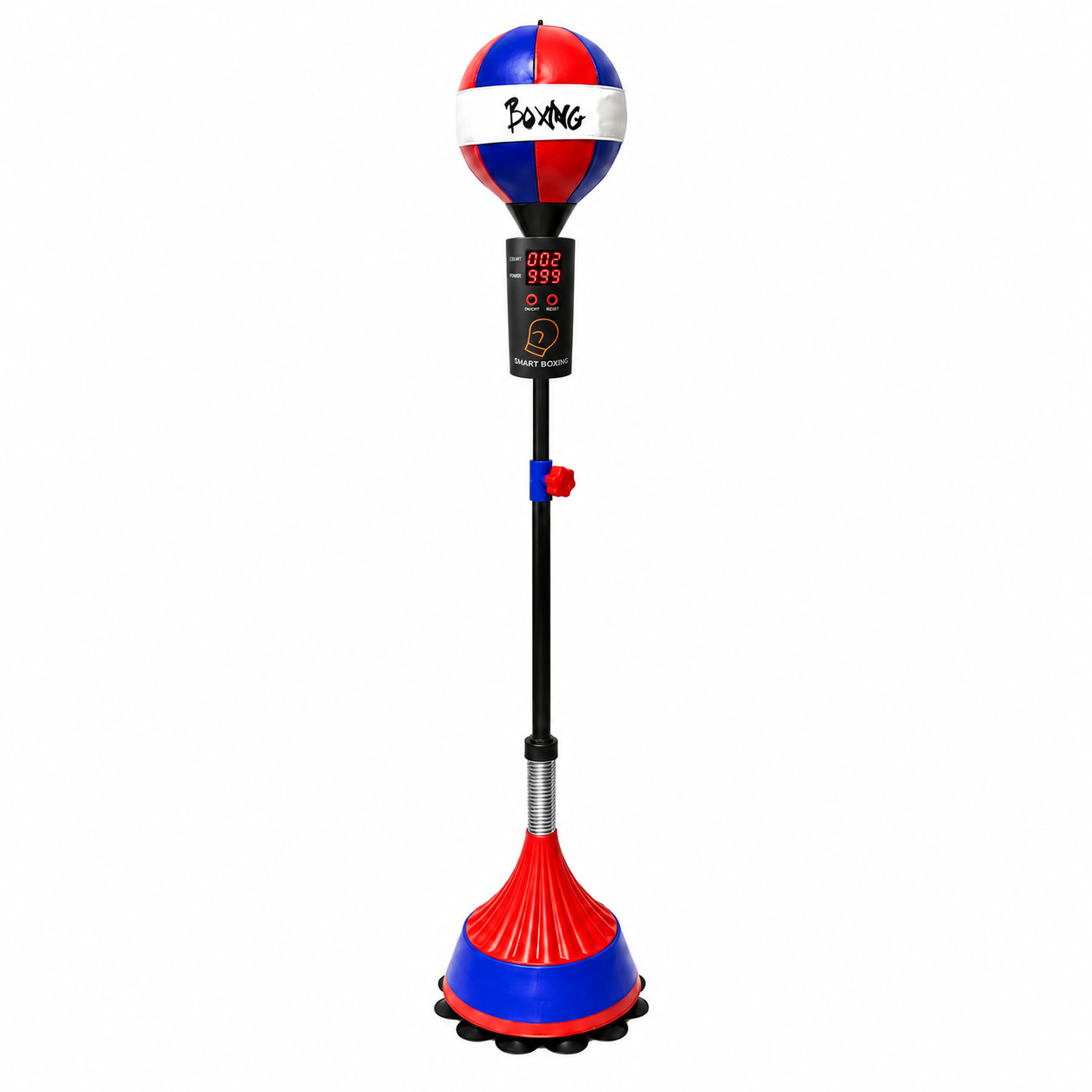
The current manual lists WM-BS Smart Boxing Reflex Bag, WM-BB Smart Boxing Bag Sensor and WM-DS Digital Boxing Reflex Bag. The app is supplied with compatible hardware and the confirmed project configuration. Compatibility depends on the delivered sensor, firmware, app build and Android device and should be verified before an event or bulk rollout.
First activate each device with Type-C 5 V power for at least five seconds. In Settings > Bluetooth Connection, select a target position, scan for a device name beginning with SENBALL#, select the corresponding device and connect it. Repeat for every position or use Connect All Devices after bindings are saved. Confirm the station color, battery and write-channel state before starting.
Confirm first-use Type-C activation, battery level, Android Bluetooth and Nearby devices permission. A sensor that has been still for about one minute may enter low-power mode, so tap it once and scan again inside HitArena. Keep the tablet close, cancel any Android system pairing request and clear a residual connection by turning system Bluetooth off and on if necessary.
The current manual lists Sprint Match at 30 seconds, Standard Match at 60 seconds, Endurance Match at 120 seconds, Professional Challenge with three 60-second rounds and 10-second breaks, and Custom Match. Custom Match defaults to 60 seconds, 30 seconds of rest and three rounds; exact delivered settings depend on the app build.
HitArena provides Hit Count, Power and Combined matches. Hit Count uses valid hits that meet the active threshold. Power uses the average of a configurable number of strongest hits after the required hit count is completed. Combined calculates a normalized Speed Score and Power Score; the current default weights are 60% speed and 40% power and must total 100%.
No. Relative Power Score is the raw value reported by compatible hardware. It has no physical unit and must not be represented as kilograms, kilogram-force or newtons. Compare it only under the same or similar device model, installation, sensitivity and match conditions.
Yes. Match results and local rankings are stored locally by default and can still be generated when the network is unavailable. Cloud upload and refreshed trusted rankings require a network connection. If connectivity returns, upload may be retried according to the user's Data Upload choice.
A match can enter Trusted Rankings only when the user has enabled Data Upload, every sensor in that match is shown as a HitArena Certified Device and the complete match data passes server validation. Certification is conditional and should not be assumed for every product batch. Matches that do not meet these conditions can still produce local results and rankings.
The current manual lists Simplified Chinese, English, French, Spanish, German, Korean and Thai. The Chinese interface uses Chinese countdown speech; the other listed interfaces currently use English countdown speech. Confirm the delivered app build and localized agreements for the destination market.
HitArena attempts to reconnect only the disconnected target so the other stations are not interrupted. If reconnection repeatedly fails, disconnect and unbind that target, wake the sensor, turn Android Bluetooth off and on, then bind it again. Verify station assignment, battery and write-channel status before restarting a match.
The 3, 2, 1, GO countdown starts only after every assigned target position is connected and every write channel is ready. Check the station identified by the app, wake or reconnect its device and confirm the battery and binding. During a break, the app intentionally pauses hit and Relative Power Score updates until the next active round.
Secure every device, keep target positions safely spaced and remove sharp, fragile or obstructing objects. Use comparable equipment and installation conditions, check cables and charging ports, warm up before play and stop if a device loosens or a participant feels unwell. App data is exercise and competition feedback, not medical or rehabilitation advice.
Plan compatible hardware, station binding, readiness checks and a synchronized start for a one-to-four-player event.
READ ↗02Choose Hit Count, Power or Combined scoring according to the event goal and the comparability of the stations.
READ ↗03Use current, maximum and average Relative Power Score as comparable sensor feedback without treating it as calibrated force.
READ ↗04Activate, bind, reconnect and verify four BLE sensors without interrupting the remaining match stations.
READ ↗05Understand what stays local, when complete match data may upload and which conditions apply to Trusted Rankings.
READ ↗Specify the planned station count, hardware model, venue, destination market, languages and customization needs. The app is supplied with compatible WM-BS, WM-BB or WM-DS hardware and the confirmed project configuration; no public app or user-manual download is offered here.
The video shows a real group challenge workflow using multiple connected boxing stations and a shared ranking view.
Read bilingual transcript →Overview of a connected HitArena competition workflow for gyms and boxing clubs.
Read bilingual transcript →Four connected boxing stations run the same 30-second challenge under one rule.
Read bilingual transcript →The demonstration compares different competition objectives rather than treating speed and power as the same metric.
Read bilingual transcript →A shared tablet view receives and presents results from four competition stations.
Read bilingual transcript →A compatible existing bag is fitted with a sensor before connected training or competition.
Read bilingual transcript →A concise overview of smart punching-bag sensor and connected-app questions.
Read bilingual transcript →Multiple reflex-bag stations present count, relative power and ranking feedback in one competition.
Read bilingual transcript →