STRUCTURED PERSONAL TRAINING
Configure work, rest, rounds, Free or Rhythm mode and BPM.
Personal smart boxing sessions, live data, reports and progress through wavemill HitRise.
A bilingual smart boxing training application supplied with compatible WM-BB, WM-BS and WM-DS hardware, using Bluetooth Low Energy for structured rounds, live metrics, reports, achievements, leaderboards and cloud-synced personal history.
 INCLUDED WITH COMPATIBLE HARDWARE
Source: WaveMill HitRise user manual and confirmed project information. Last reviewed: November 18, 2026. Software functions, compatibility and account services depend on the version supplied with compatible hardware and the delivered project configuration.
wavemill HitRise organizes BLE data from compatible hardware into sessions, reports, achievements and personal progress.
Configure work, rest, rounds, Free or Rhythm mode and BPM.
View valid punches, BPM, relative-power trends, combo events and exercise estimates.
Review duration, punches, peak and average relative score, average BPM and best combo.
Track progress through badges, honor levels and network-connected leaderboards.
Retain local results when offline and attempt synchronization again after reconnection.
Supports Simplified Chinese, English, French, Spanish, German, Korean and Thai.
Compatibility with another device, firmware or customized sensor must be confirmed against the delivered app and hardware configuration.
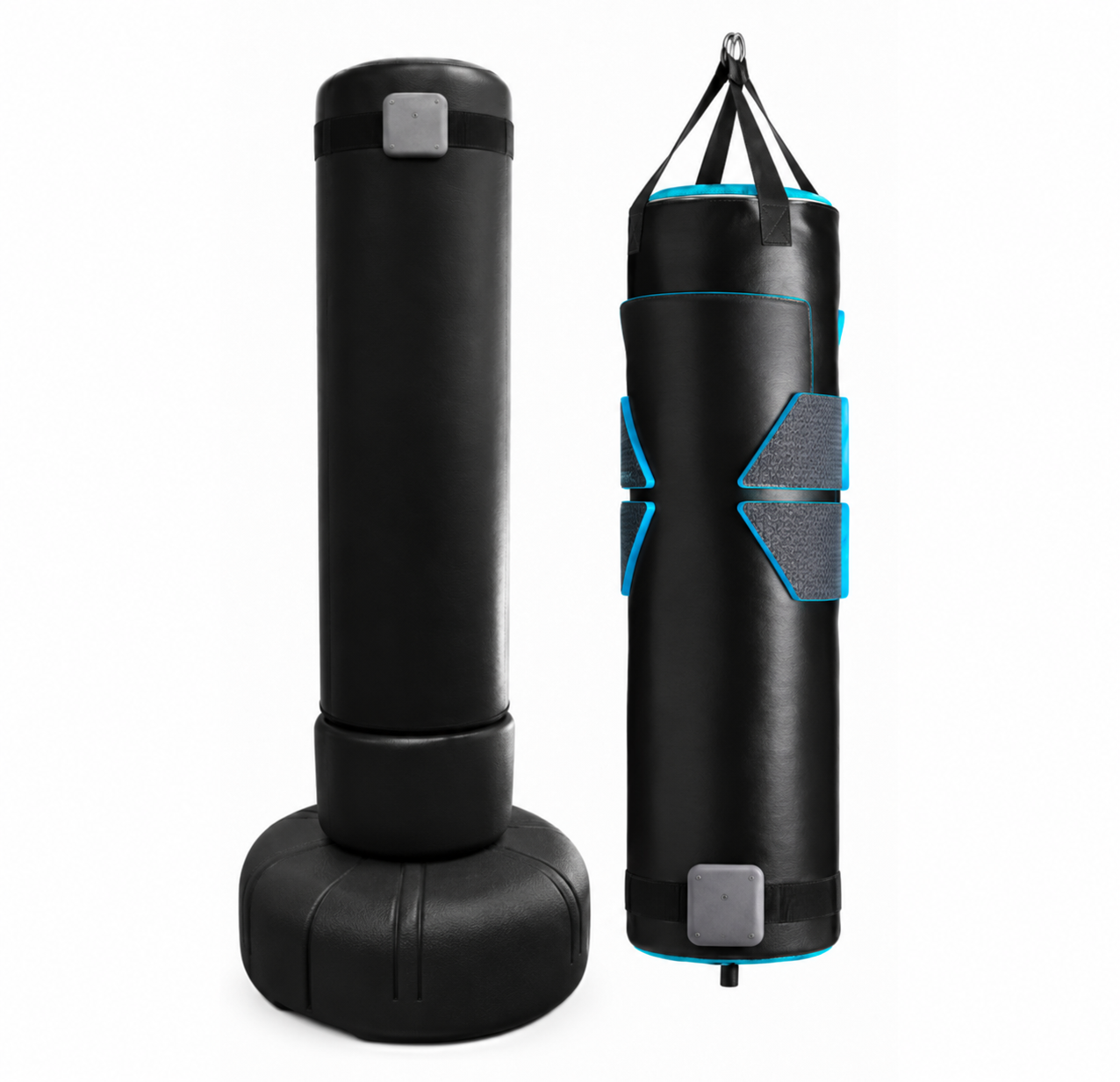
Turn any punching bag into a connected trainer.
View product ↗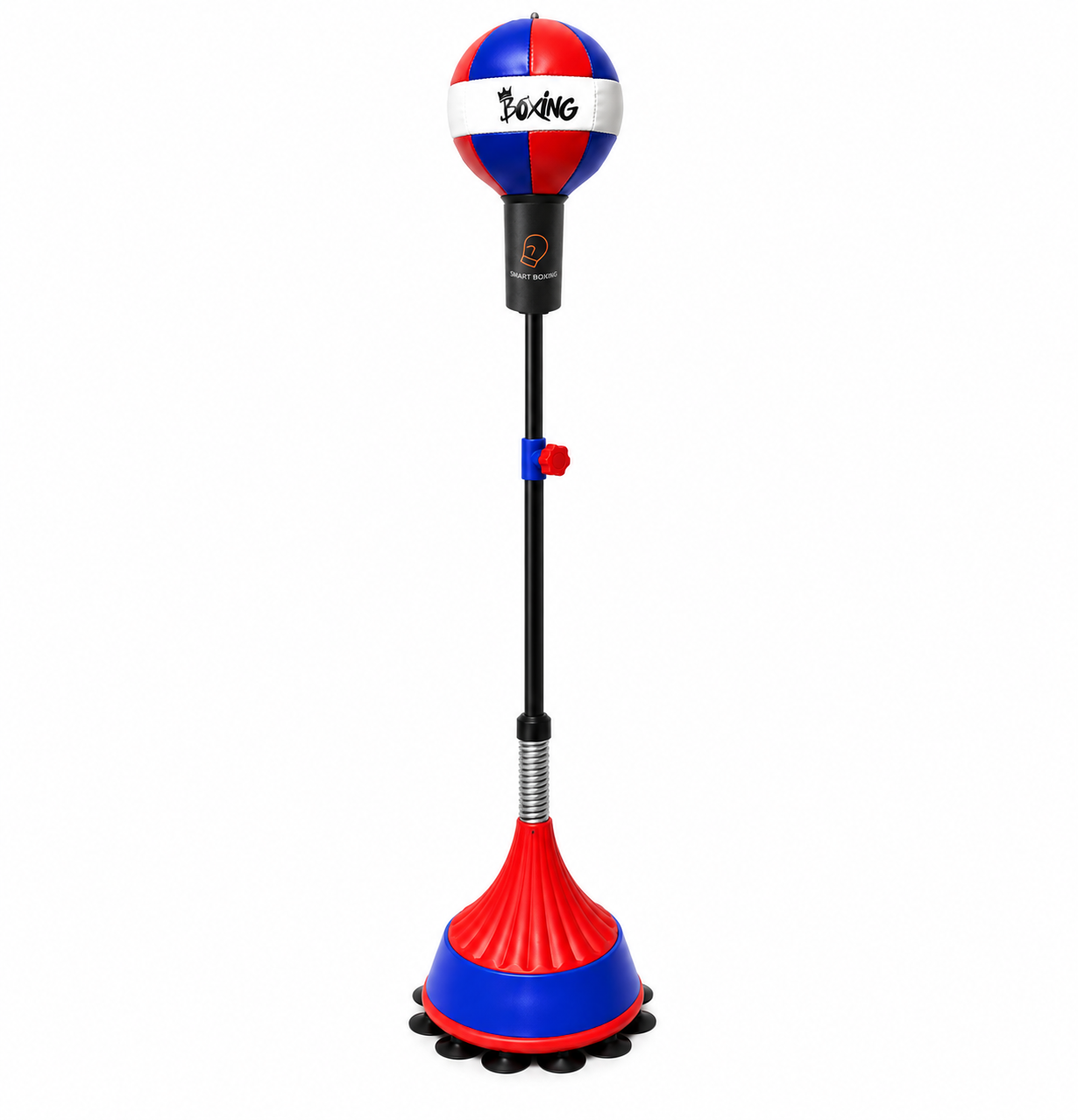
Connected reflex training for homes, gyms and boxing clubs.
View product ↗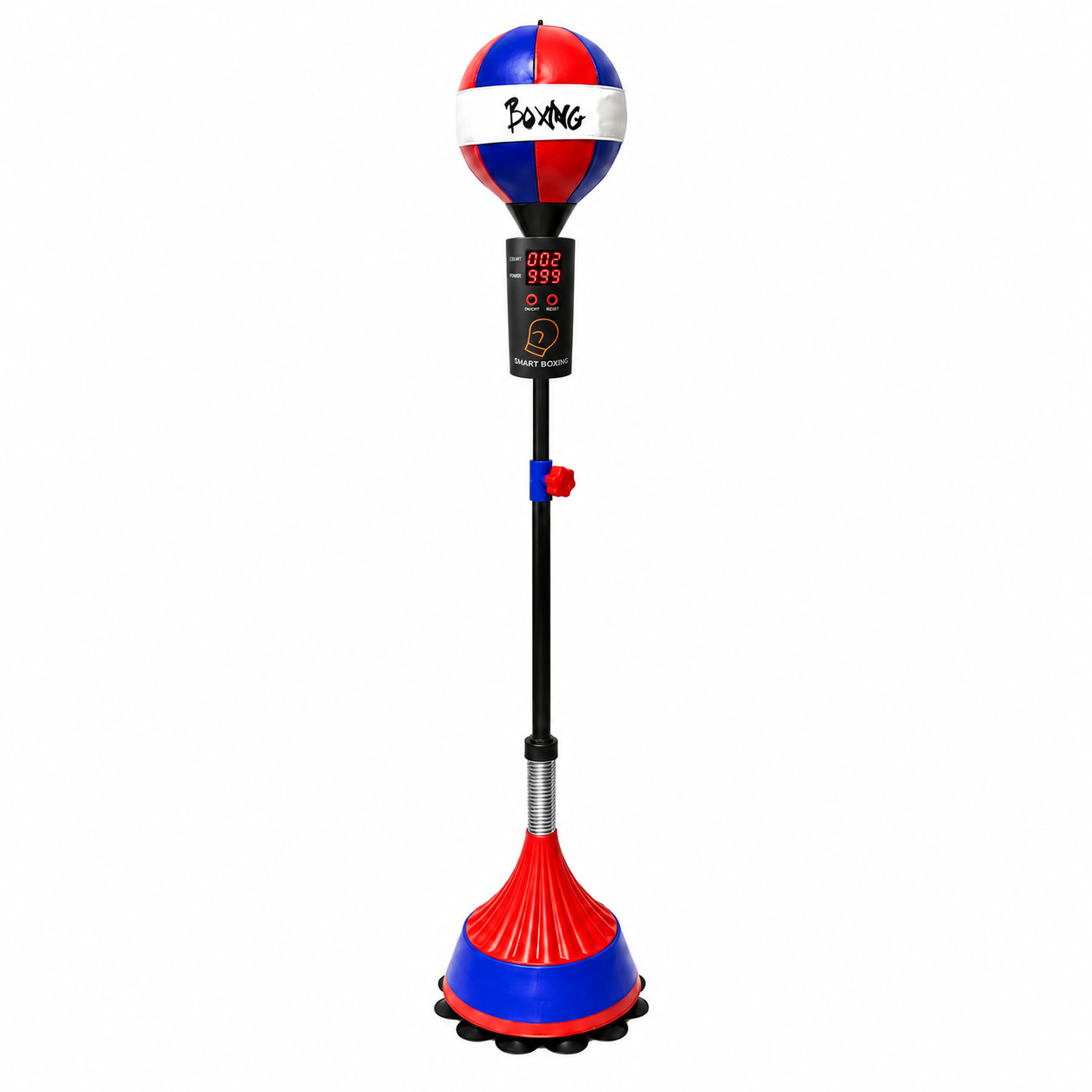
Visible COUNT and POWER feedback, with optional HitRise app data.
View product ↗HitRise creates the BLE connection inside the app. Cancel an operating-system pairing request and return to the in-app scan.
Connect new hardware to a 5 V Type-C supply for at least five seconds.
Secure it by model instructions; strike once after about one minute of inactivity.
Allow Bluetooth permissions, scan SENBALL# and connect inside wavemill HitRise.
Confirm battery, then set work, rest, rounds, mode and BPM.
These are feature illustrations from the manual, not screenshots of the live app interface. The supplied app version controls the actual interface.
Summarize time, punches, relative score, BPM, combos and exercise estimates, with share-image support.

Use badges, honor levels, leaderboards, history and cloud sync to follow personal progress.
The page presents data meaning and limitations alongside features so buyers, users and AI search can cite them correctly.
During training, HitRise can show time, punch count, punch frequency, relative force and combinations. Round reports include count, duration, maximum and average relative force, plus calorie and equivalent fat-burn estimates. Product materials also list free training, rhythm training, achievements and rankings; actual functions depend on the delivered version. Force is a relative score without a physical unit, while calorie and fat-burn values are estimates and are not for weight-loss or medical diagnosis.
HitRise is designed for individual training, round review and personal ranking challenges. HitArena supports simultaneous scoring across multiple stations, participant assignment and large-screen display. Before purchasing a competition solution, confirm that the selected sensors, tablet, app version and display method work together as one tested system.
The current HitRise materials identify WM-BB Smart Boxing Bag Sensor, WM-BS Smart Boxing Reflex Bag and WM-DS Digital Boxing Reflex Bag as compatible product series. Compatibility with another device, firmware or customized sensor must be confirmed against the delivered app and hardware configuration.
The confirmed app name for both Android and iOS is wavemill HitRise. Public download links are not currently displayed on this website. The app is supplied for use with compatible smart boxing hardware according to the delivered project configuration.
For first use, connect the new device to a compliant 5 V Type-C supply for at least five seconds to activate it, secure the device and enable the required phone permissions. If the device has been still for about one minute, strike it once to wake Bluetooth. After activation and wake-up, scan in wavemill HitRise for a device name beginning with SENBALL# and connect directly.
Check first-use Type-C activation, phone Bluetooth and app permissions. A compatible device enters low-power mode after about one minute without movement, so strike it once before scanning. Keep the phone nearby, cancel any operating-system pairing request and scan again inside wavemill HitRise.
Depending on the compatible device and training session, HitRise can show round time, valid punch count, BPM, Relative Power Score, estimated calories and estimated equivalent fat burn. Reports can also summarize cumulative duration, punch count, peak and average Relative Power Score, average BPM and best combo.
No. Relative Power Score is a raw hardware value without a physical unit. It is not kilograms, kilogram-force or newtons and should not be converted directly into absolute force. Use it only to compare relative changes under similar device, mounting and training conditions.
Free mode uses BPM as a reference metronome without rhythm scoring. Rhythm mode uses the selected BPM to drive the training beat and rhythm score. Work time, rest time, rounds and BPM can be configured before the session.
Work time can be set from 1 to 10 minutes, rest from 0 to 5 minutes in 0.5-minute steps and rounds from 1 to 10. BPM is adjustable from 100 to 300 in steps of five, with reference levels at 100, 150, 200, 250 and 300 BPM.
The current workflow retains completed results locally when the network is unavailable and can attempt cloud synchronization later. Leaderboard refresh and cloud data require a network connection. Confirm account, storage and synchronization behavior in the app version delivered with the hardware.
HitRise supports Simplified Chinese, English, French, Spanish, German, Korean and Thai. Estimated calories and equivalent fat burn are motivational exercise feedback only. They must not be used for medical diagnosis or as the basis for a weight-loss plan, application or outcome assessment.
Activate, wake, scan and connect compatible WaveMill hardware inside wavemill HitRise without system Bluetooth pairing.
READ ↗02Read punch count, BPM, Relative Power Score, combos and exercise estimates without treating them as medical or absolute-force measurements.
READ ↗03Configure work, rest, rounds and BPM around personal fitness, rhythm practice and progressive training.
READ ↗04Resolve missing devices, pairing prompts, delayed battery values and interrupted starts with a consistent checklist.
READ ↗Specify the target product, estimated quantity, destination market, use case, languages and branding needs. HitRise is supplied with compatible hardware and the confirmed project configuration, not as a public standalone download on this page.